
The modern view of Daily Organiser loads the data into your browser, from that point it is processing the information from your browser.
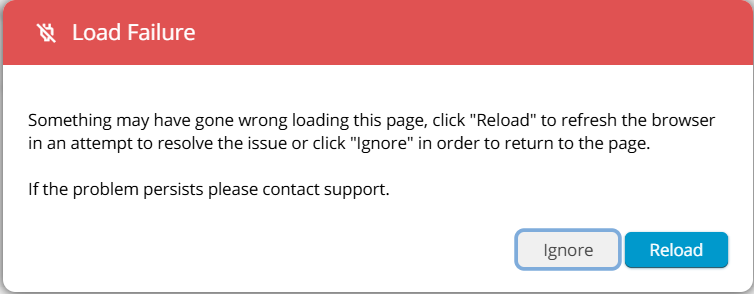
This message appears when the browser cannot complete a refresh or load a section of Daily Organiser Modern view. It is usually caused by a brief network interruption or the page being left open for an extended period.
- Click Reload
This forces a clean reinitialization of the Modern view. - If it appears again:
- Close and reopen the browser
- Try an Incognito/Private window (disables extensions)
- Try Chrome or Edge (whichever you are not currently using)
- Ensure the computer’s clock is correct: https://timetabling.elevio.help/en/articles/953
- If on a school network:
Ask IT whether any proxy or SSL-inspection device is rewriting or delaying traffic to *.timetabling.education.
Alternatively, switch to the Classic view of Daily Organiser. Click on your profile picture, top right of the screen, click Profile, scroll down and select Classic View, then go back to Daily Organiser.