Gmail advises adding users to your contacts list to prevent their emails from going to spam because they never send emails from your contacts to spam.
1. Go to Google Contacts and sign into your account
2. Click + Create Contact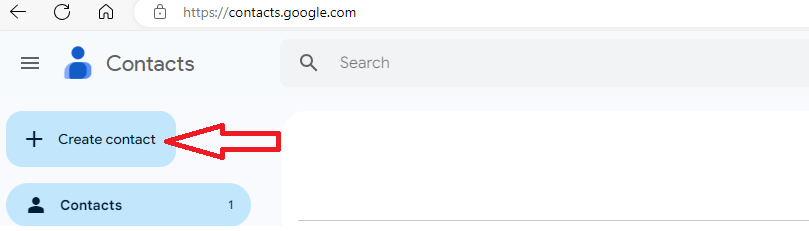
3. Click Create a Contact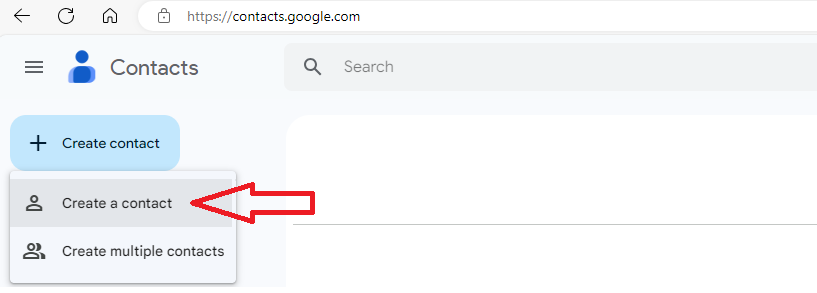
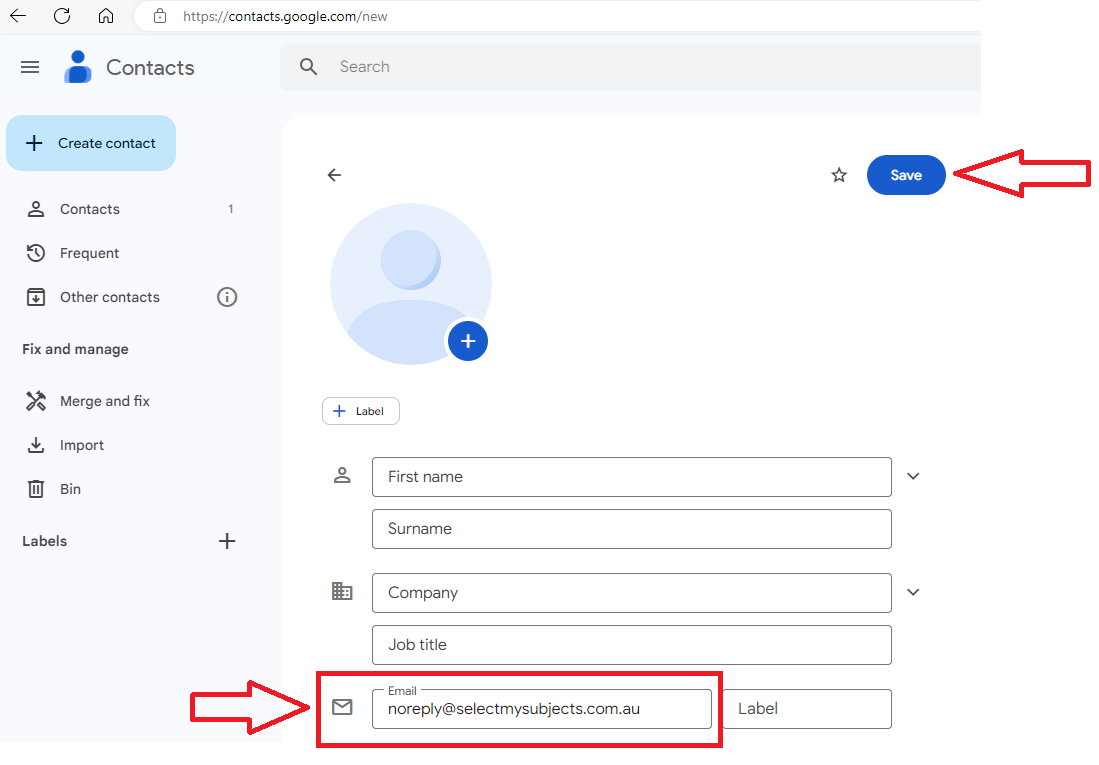
4. In the email field;
For those using Web Preferences, type noreply@selectmysubjects.com.au and click Save
For those using the new Preferences Manager, type noreply@timetabling.com.au and click Save