
Issue
When opening Daily Organiser, the following error message may appear: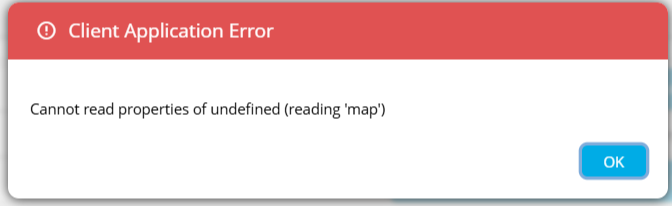
This will prevent the application from loading correctly.
Cause
This issue is typically caused by cached data or cookies stored in your web browser becoming outdated or corrupted following an update to the Daily Organiser.
Resolution
Clearing the cookies and cache for the timetabling.education site will usually resolve this issue.
Microsoft Edge
Copy and paste the following into your browser address bar:
edge://settings/privacy/cookies/AllCookies?searchSubpage=timetabling.education- Locate timetabling.education in the list.
- Click the trash can icon next to it, or select Remove all shown.
- Close the browser tab.
- Reopen Daily Organiser and try again.
Google Chrome
Copy and paste the following into your browser address bar:
chrome://settings/content/all?searchSubpage=timetabling.education- Locate timetabling.education in the list.
- Click the trash can icon next to it, or select Remove all shown.
- Close the browser tab.
- Reopen Daily Organiser and try again.
If the Issue Persists
If you continue to experience this error after completing the steps above:
- Try accessing Daily Organiser in a different browser.
- Contact your IT team to check for browser extensions or security settings that may be interfering.
- Submit a support request via the Help & Support section.